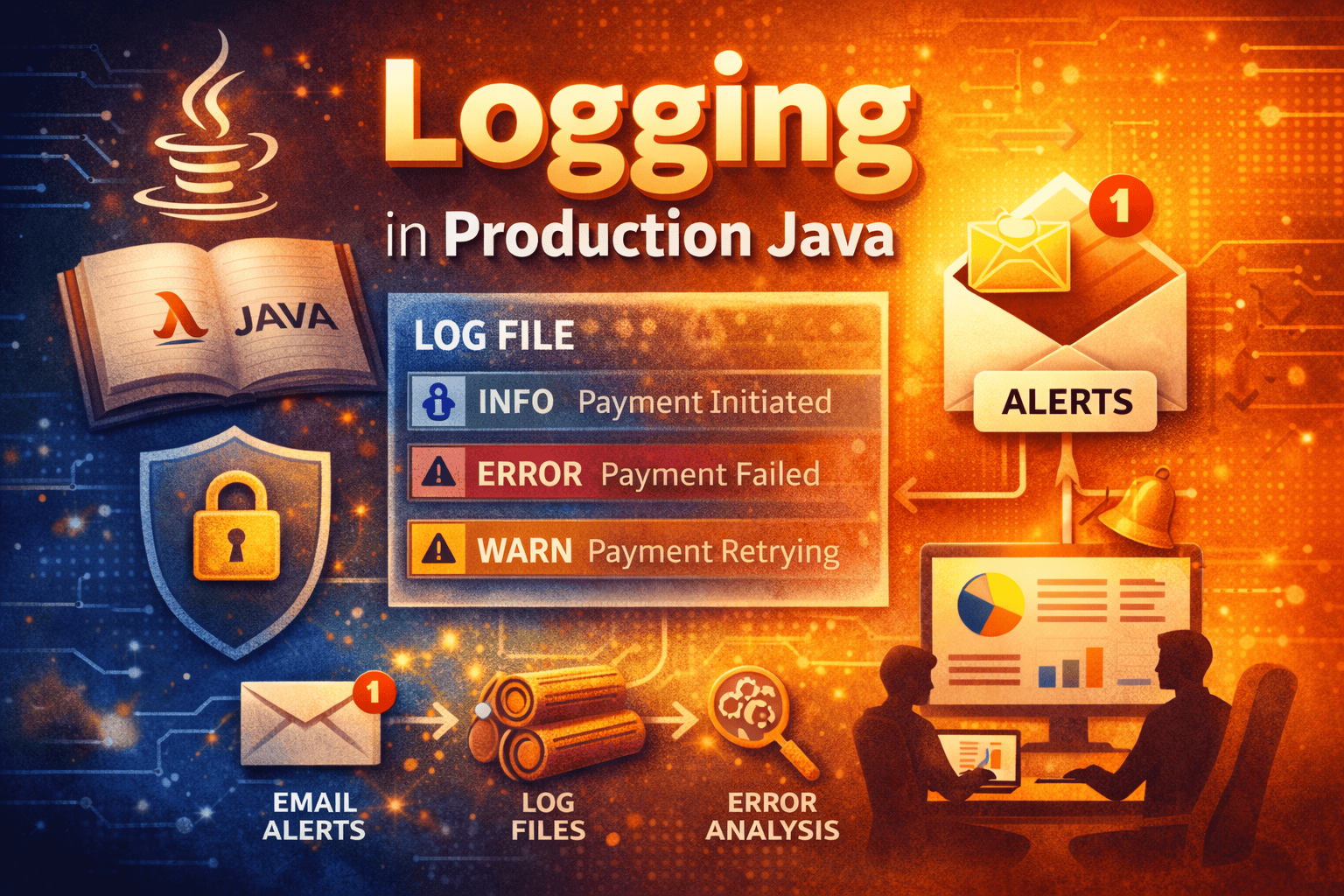
Consider a scenario it’s 2:07 AM.
Your phone vibrates.
A client message pops up:
“Users can’t complete payments. The app is slow.”
You open your laptop.
There’s no debugger.
No local environment.
No breakpoints.
Just one question echoes in your mind:
“What exactly is happening in production?”
And the answer lies in one place — logs.
Welcome to the world of production-grade logging in Java, where your application speaks to you when you’re not watching.
The Harsh Truth: Production Has No Debugger
In development, we rely on:
- Breakpoints
- Console prints
- Step-by-step execution
But production is a different battlefield.
In production:
- You cannot attach a debugger
- You cannot reproduce issues easily
- You cannot rely on memory
What you can rely on is:
Well-written, well-structured logs.
Logs are not just text files.
They are your application’s black box recorder.
Why System.out.println() Fails in Production?
Many applications begin their journey like this:
System.out.println("Order created successfully");
It works… until it doesn’t.
Problems with System.out.println():
- No severity levels
- No timestamps
- No request or thread context
- No control per environment
- No log rotation
- No alerts when things break
In short:
System.out.println()tells you something happened.
A logger tells you what, when, where, and how bad it was.
What Makes Logging “Production-Grade”?
A production-ready logging system provides:
- Log levels (INFO, WARN, ERROR, FATAL)
- Timestamped & formatted logs
- Context (thread, request ID, user)
- File rolling & retention
- Performance-friendly async logging
- Alerting via Email or Monitoring tools
In most Java enterprise systems, this is achieved using:
- SLF4J (Logging API)
- Logback / Log4j2 (Implementation)
Log Levels — Teaching Your Application to Speak Clearly
Not everything deserves the same attention.
Example:
log.info("Order initiated for orderId={}", orderId);
log.warn("Retrying payment gateway for orderId={}", orderId);
log.error("Payment failed for orderId={}", orderId, exception);
Why this matters:
- INFO → business flow visibility
- WARN → early warning signals
- ERROR → production incidents
This allows teams to:
- Filter logs easily
- Trigger alerts only when needed
- Reduce noise in production
A Real Production Story: Logs to the Rescue
Scenario: Payment Failure
A customer says:
“Money was deducted, but order failed.”
Without logs:
- Panic
- Guesswork
- Manual DB checks
- Blame game
With logs:
INFO  Payment initiated
INFO  Gateway response received
ERROR Database timeout while saving order
Now the story is clear:
✔ Payment succeeded
✔ Database failed
✔ Order was not persisted
Logs turned a mystery into a diagnosis.
A Glimpse of Logger Configuration (High-Level Only)
This is not a full setup, just an idea of how logging fits into a Java app.
Dependency (Spring Boot Example)
<dependency>
    <groupId>org.springframework.boot</groupId>
    <artifactId>spring-boot-starter-logging</artifactId>
</dependency>
Logger Usage
private static final Logger log =
        LoggerFactory.getLogger(PaymentService.class);

log.info("Payment process started");
log.error("Payment failed", exception);
Behind the scenes, the logger:
- Writes logs to files
- Controls log level per environment
- Manages file size & rotation
- Formats logs consistently
All without changing your business logic.
Email Logging — When Logs Wake You Up Before Customers Do
Logs are useful.
But logs that alert you are powerful.
What Is Email Logging?
Email logging automatically sends emails when:
- ERROR or FATAL logs occur
- Critical integrations fail
- Repeated failures cross a threshold
Real-World Example:
log.error("CRITICAL: Payment gateway unreachable", exception);
This can trigger an email like:
Subject: PROD ALERT – Payment Failure
Details: Payment gateway unreachable for last 5 minutes
Service: payment-service
Now your team knows before customers complain.
How Email Logging Works (Conceptually)
Application Error
      ↓
Logger detects ERROR
      ↓
Mail Appender triggers
      ↓
Email sent to Support / DevOps
This transforms logs from:
“Something went wrong”
into
“Action required now”
Why Email Logging Is Critical in Production
✔ Faster incident response
✔ Reduced downtime
✔ Improved SLA compliance
✔ Zero manual monitoring
✔ Peaceful nights for on-call engineers
Most mature systems combine:
- File logs
- Email alerts
- Centralized log dashboards (ELK, Splunk)
Logging Is Not a Developer Tool — It’s a Business Tool
Logging helps:
- Developers debug faster
- Support teams resolve tickets
- Operations teams monitor health
- Businesses reduce revenue loss
A weak logging strategy makes production blind.
A strong logging strategy makes production predictable.
Final Thoughts
In production:
- You don’t debug
- You observe
- You analyze
- You act — based on logs
A logger is not just a utility.
It is the nervous system of your Java application.
If your logs are strong, your production is safe.
Need a Production-Grade Logging Setup?
If your organization needs:
✔ Enterprise logging configuration
✔ Email alert setup
✔ Log performance optimization
✔ Environment-specific log strategies
Contact us.
We help teams build reliable, alert-driven, and scalable logging solutions designed for real production systems. Contact us

Leave a Reply